What is LoopVideoMaker?+
LoopVideoMaker is a loop video and GIF maker for iPhone and Android. Use it to repeat a clip up to 5 times, play it in reverse, bounce it forward and back, change its speed from 0.25x to 5x and trim it. Add music, text, emojis, drawings, photos and filters, then save the result as a GIF or a video up to 1080p with no watermark.
How do I loop a video on my phone?+
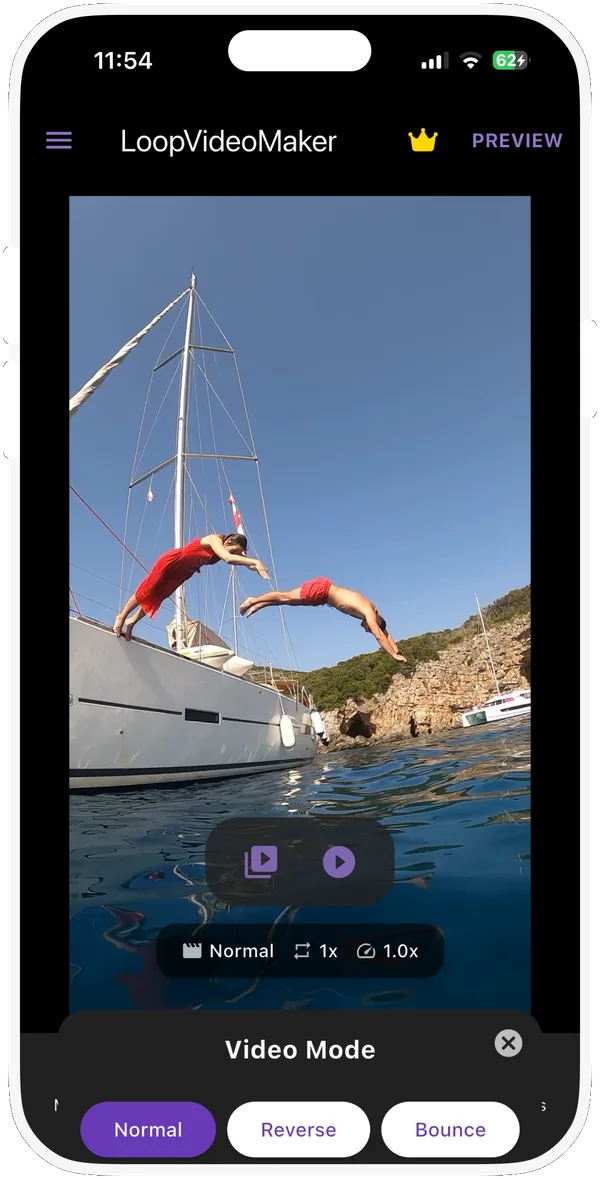
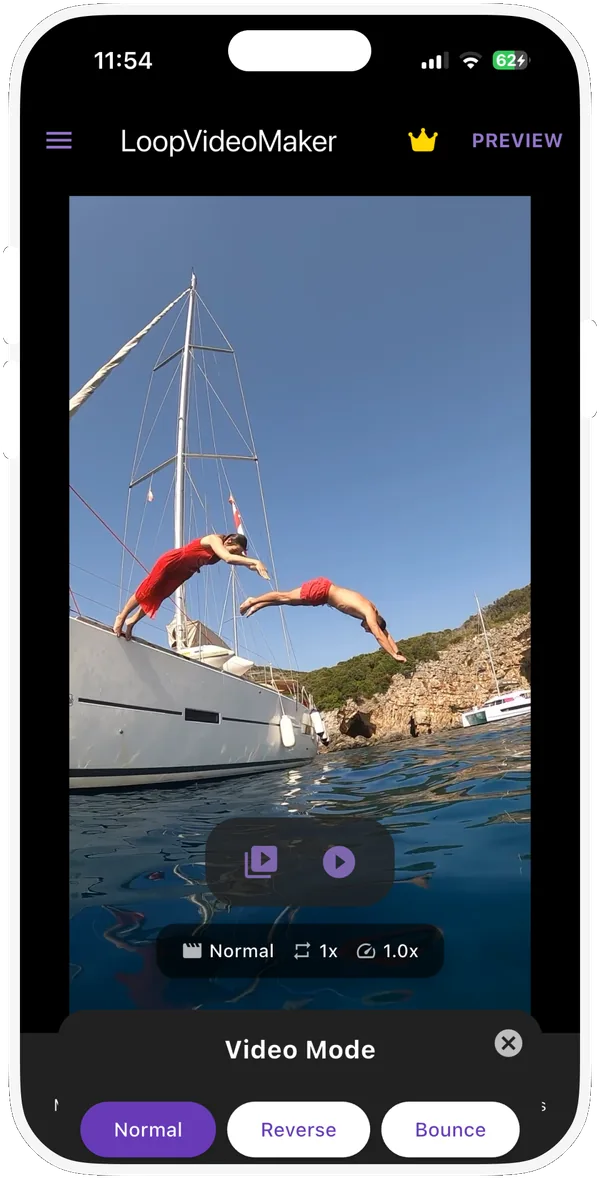
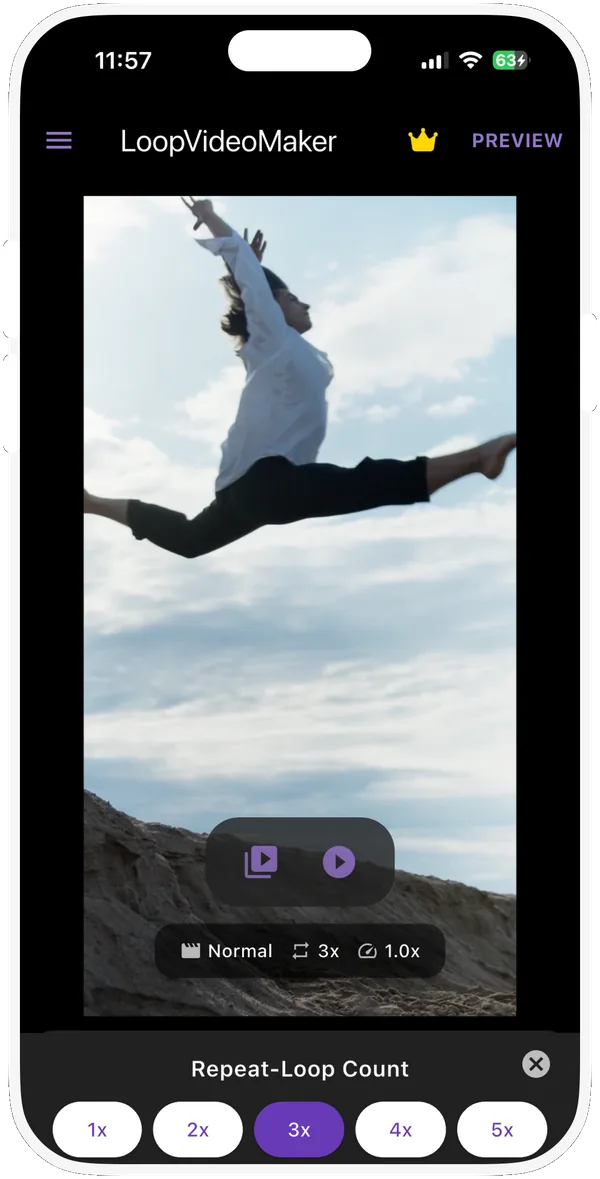
Open LoopVideoMaker and pick a clip from your gallery. Choose Normal, Reverse or Bounce in Video Mode and set the repeat count anywhere from 1x to 5x. Tap Preview to watch it, then save it as a video or a GIF.
How many times can a video repeat?+
Pick any repeat count from 1x to 5x. Save it as a GIF when you want a loop that keeps playing on its own.
Can I reverse a video?+
Yes. Choose Reverse in Video Mode and the clip plays backwards, from the last frame to the first. Add a repeat count to play the reversed clip several times in a row.
How do I make a boomerang video without Instagram?+
Choose Bounce in Video Mode. LoopVideoMaker plays your clip forward and then backward, the same back and forth effect as a boomerang. It works on any video already in your gallery.
How do I make a slow motion video?+
Open Speed and pick 0.25x, 0.5x or 0.75x. At 0.25x a clip plays four times slower than it was filmed, so a 3-second splash lasts 12 seconds.
Can I speed up a video or make a hyperlapse?+
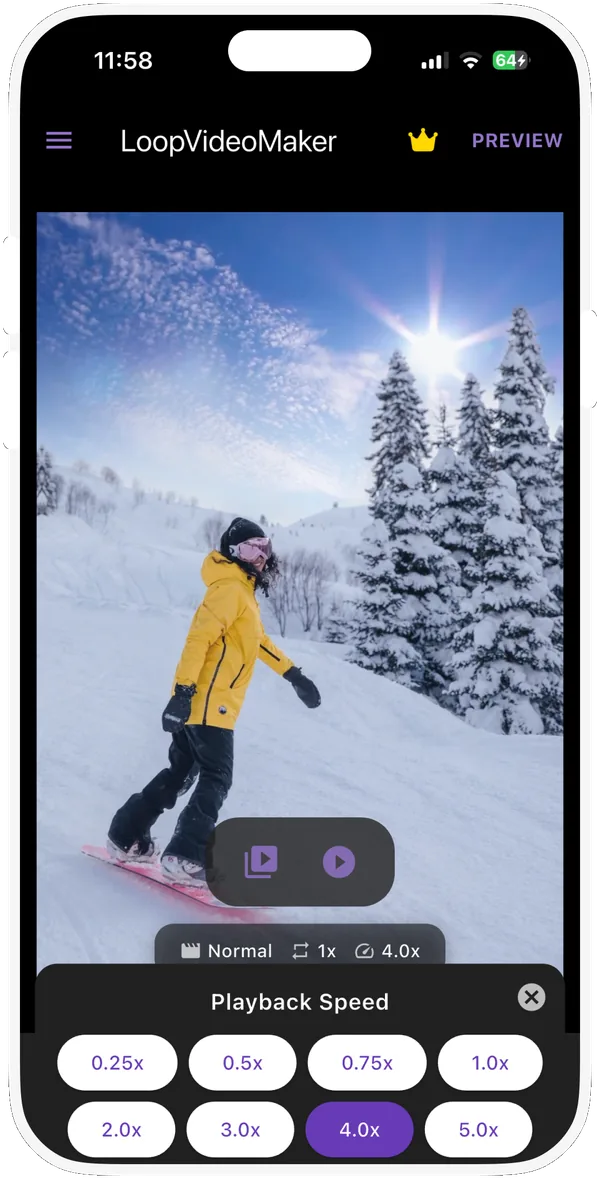
Yes. Pick 2x, 3x, 4x or 5x in Speed. At 5x a 10-minute walk plays in 2 minutes, which gives an ordinary clip a hyperlapse or time-lapse look.
How do I turn a video into a GIF?+
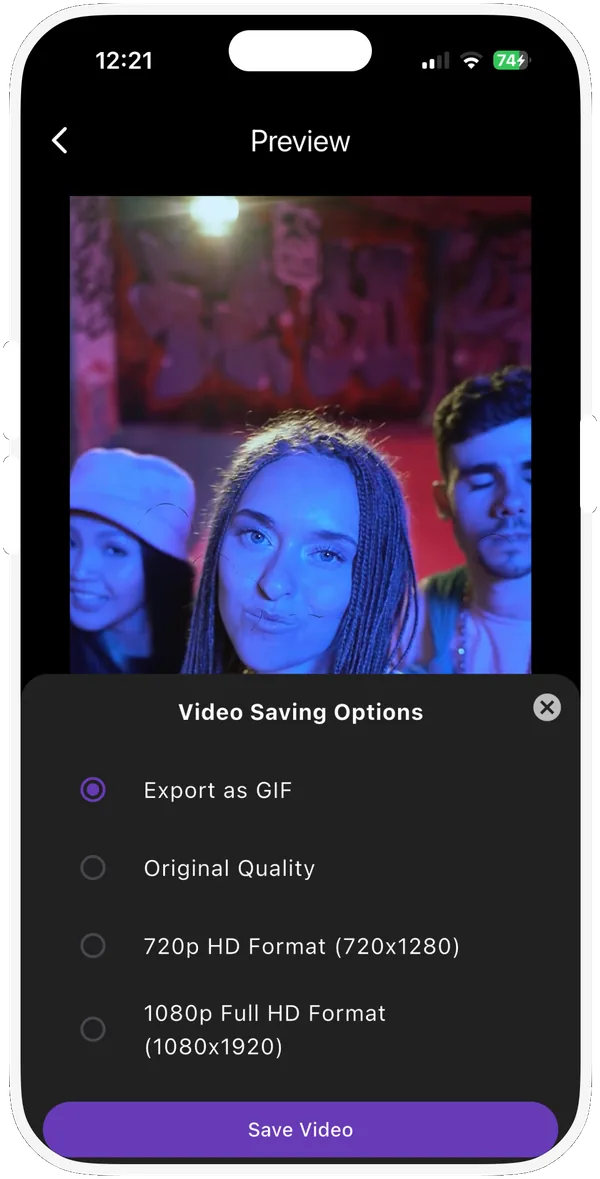
Edit the clip the way you want, open the saving options and choose Export as GIF.
Does LoopVideoMaker add a watermark?+
No. Videos and GIFs save without a watermark.
Is LoopVideoMaker free?+
LoopVideoMaker is free to download and you can turn clips into loops and GIFs for free. An optional subscription called Unlock Content opens every feature, including the loop counts, fast and slow motion speeds, colors, text styles, filters and HD downloads.
Is there a free trial?+
Yes, on the App Store. The yearly plan opens with a 3-day free trial, after which Apple charges the yearly fee. The weekly plan has no trial. Both renew on their own unless you turn auto-renew off at least 24 hours before the current period ends.
How do I cancel my LoopVideoMaker subscription?+
On iPhone, open Settings, tap your name, then Subscriptions, pick LoopVideoMaker and tap Cancel Subscription (
Apple's guide). On Android, open the Play Store, tap your profile picture, then Payments & subscriptions, Subscriptions and LoopVideoMaker (
Google's guide). Deleting the app does not cancel the subscription.
What quality can I save in?+
Choose GIF, Original quality, 720p HD (720x1280) or 1080p Full HD (1080x1920). 1080p Full HD is 1080x1920, a full vertical phone screen. HD downloads are part of Unlock Content.
Which aspect ratios can I use?+
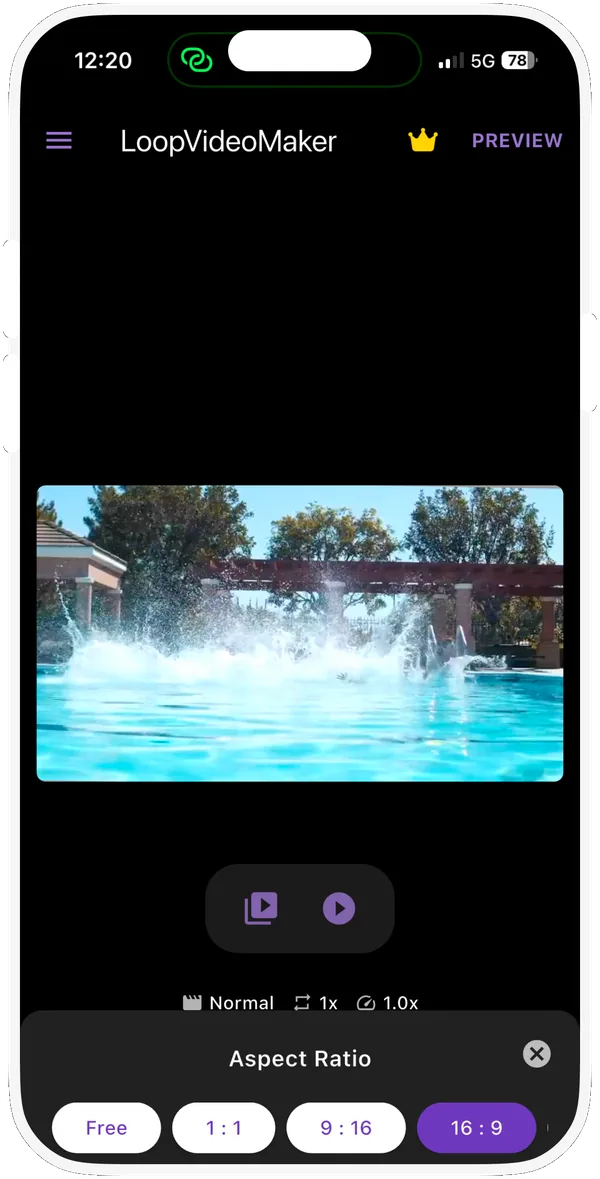
The options include Free, 1:1, 9:16 and 16:9. Use 9:16 for Reels, TikTok and Shorts, 1:1 for square posts and 16:9 for regular YouTube videos.
What size should a loop be for Instagram Reels, TikTok or YouTube Shorts?+
Pick 9:16 and save at 1080p Full HD (1080x1920). That vertical shape fills a phone screen, the way Reels, TikTok and Shorts play.
Can I add music to a loop video?+
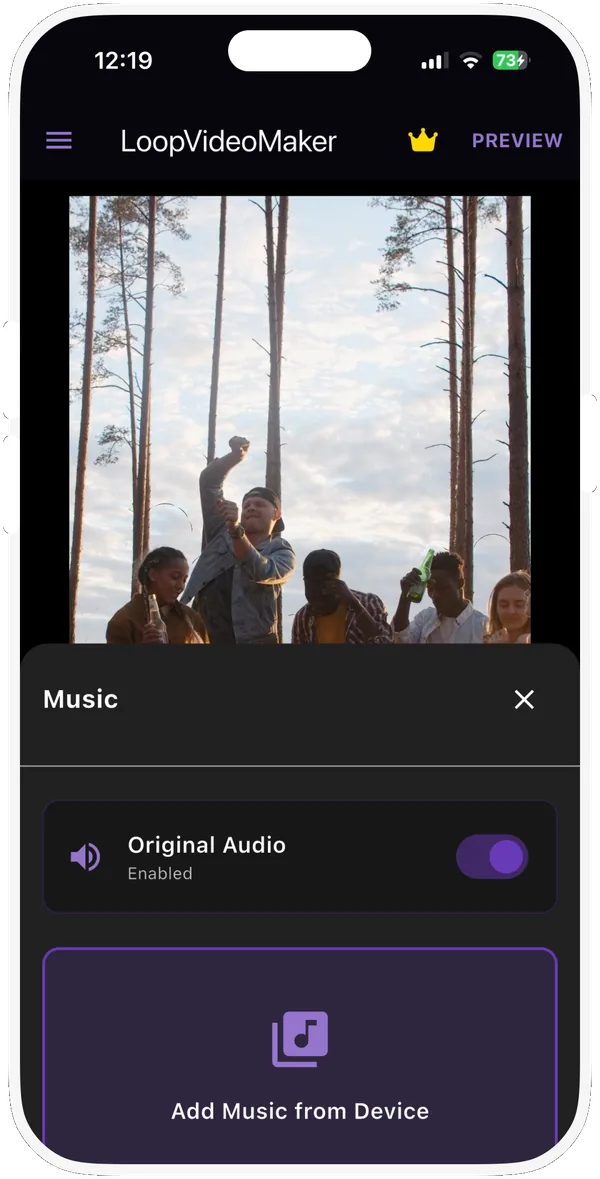
Yes. Open Music and tap Add Music from Device to use a song saved on your phone. Leave Original Audio on to mix the two. Turn it off when only your song should play.
Can I trim a video before looping it?+
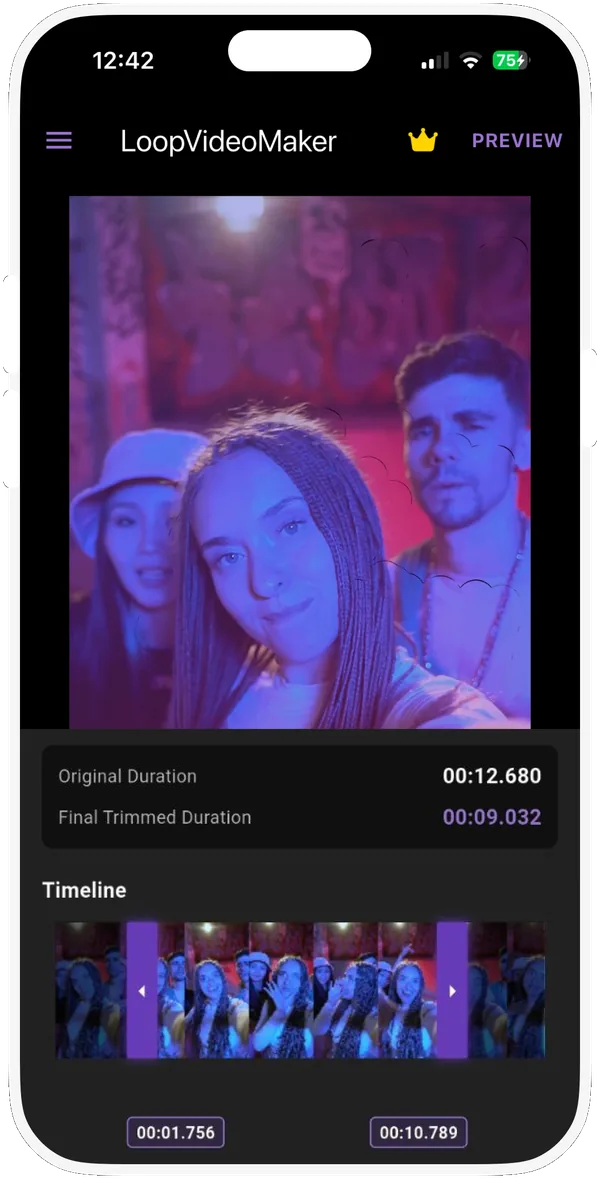
Yes. Drag the two handles on the Trim timeline to keep only the part you want. The app shows the original and the trimmed duration, down to the millisecond.
Can I loop only part of a video?+
Yes. Trim the clip to the part you want first, then pick a mode and a repeat count.
Can I add text, emojis or drawings to a video?+
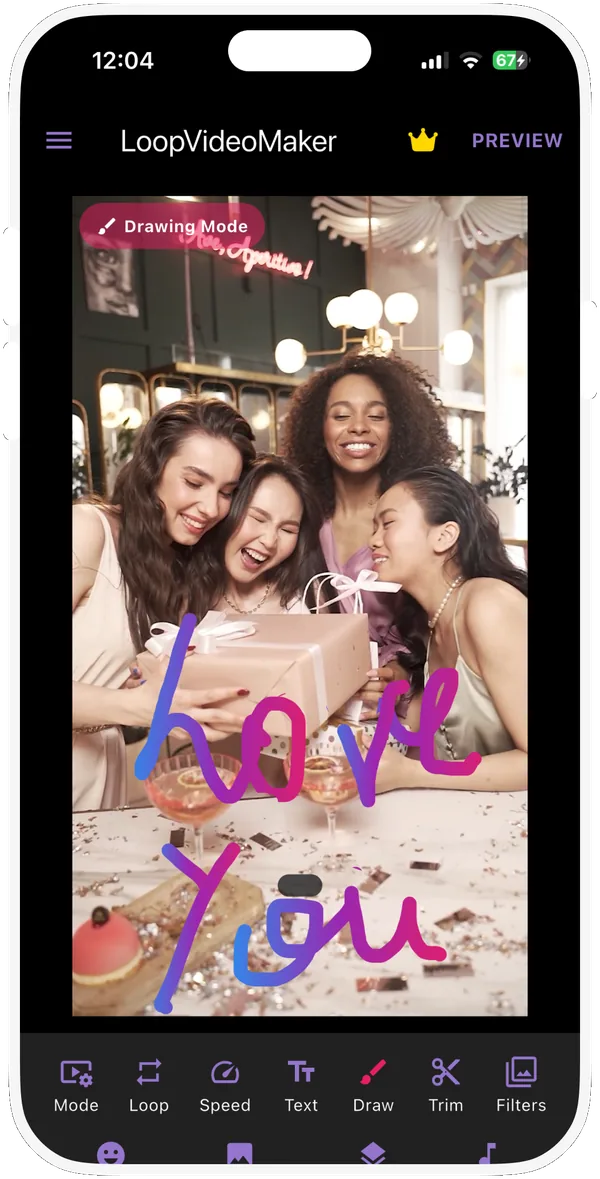
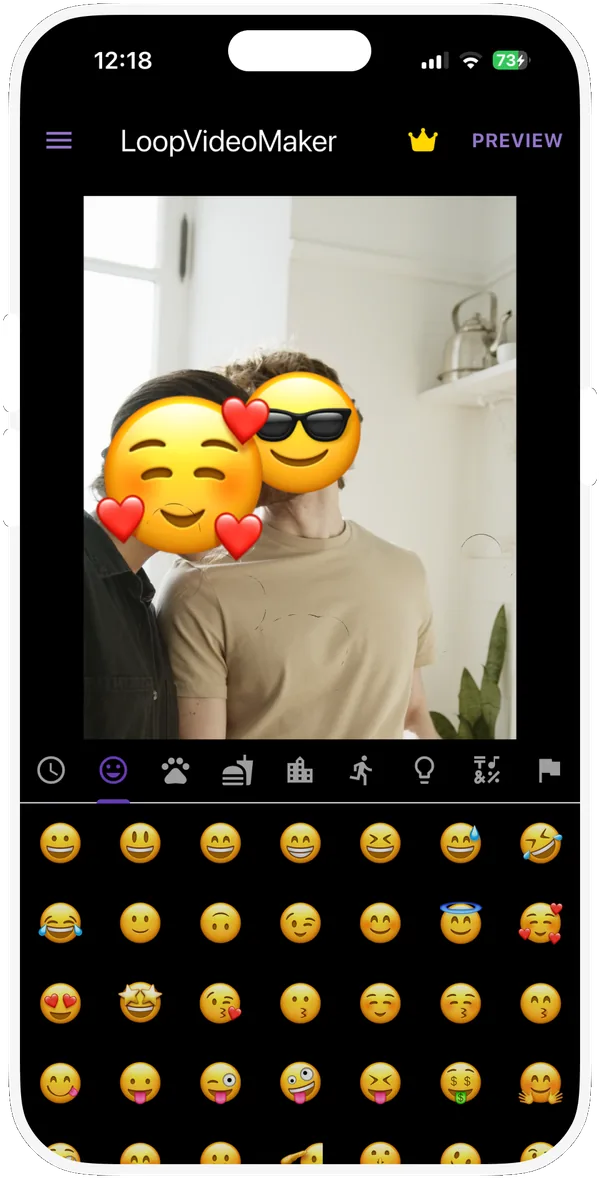
Yes. Type text in the font and color you want, place emojis anywhere on the frame and draw freehand with your finger in Drawing Mode. You can put a photo on top of the clip too.
Does LoopVideoMaker have filters?+
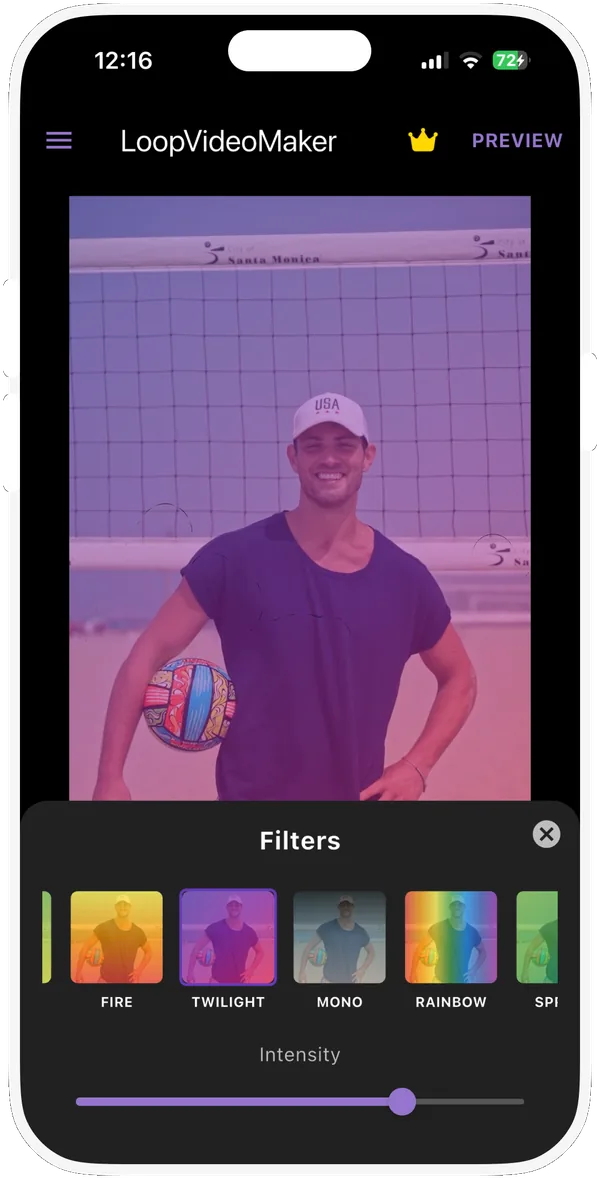
Yes. Filters include Fire, Twilight, Mono, Rainbow and Spring. An intensity slider sets how strong each one looks.
Can I share loops straight to social media?+
Yes. Share the finished video or GIF straight from the app to your social apps or keep it in your gallery to post later.
Which iPhones does LoopVideoMaker work on?+
Any iPhone on iOS 14.0 or later. The App Store also lists Macs with an Apple M1 chip or later on macOS 11.0 or later, plus Apple Vision.
Does LoopVideoMaker work on Android?+
Yes. It needs Android 8.0 or later and installs from Google Play.
Do I need an account?+
No. LoopVideoMaker does not ask for your name, email address or phone number. Open it and pick a video.
Are my videos uploaded anywhere?+
No. Your videos, GIFs and photos stay on your phone and LoopVideoMaker never uploads them to its servers. The app sends crash reports and usage analytics through Google Firebase to find and fix bugs.
What permissions does LoopVideoMaker need?+
Access to your photos and storage, so you can pick a video and save the finished loop back to your gallery. Turn that access off any time in your phone's settings.
Which languages is LoopVideoMaker available in?+
12 languages: English, Arabic, Danish, French, German, Hindi, Japanese, Korean, Marathi, Norwegian Bokmål, Spanish and Swedish.
Is LoopVideoMaker safe for kids?+
It is rated 4+ on the App Store and Everyone on Google Play in the US. The app does not ask for personal details.
Who makes LoopVideoMaker?+
VSB DEVS makes LoopVideoMaker. Send ideas, bug reports or feedback to
vsbdevs@gmail.com.
 LoopVideoMaker